
Your reps sell.
Sam fills their pipeline.
Sam, your AI Sales Manager, finds the right people, starts the conversations and drafts the replies, so your reps spend the week in conversations. You approve the list, the campaign and every reply.
Nothing charged for 14 days · Cancel any time
 This week with Sam
Reps are hired to sell. Prospecting eats the week.
Prospecting loses to live deals
When a deal heats up, list building and follow-ups stop. The gap shows up in next quarter's pipeline.
Every rep writes outreach differently
The message drifts from rep to rep, and nobody sees what went out until a prospect replies.
Replies sit in personal inboxes
A warm answer waits while its owner is in meetings, and the rest of the team cannot see it.
Sam runs the outreach. Your reps take the conversations.
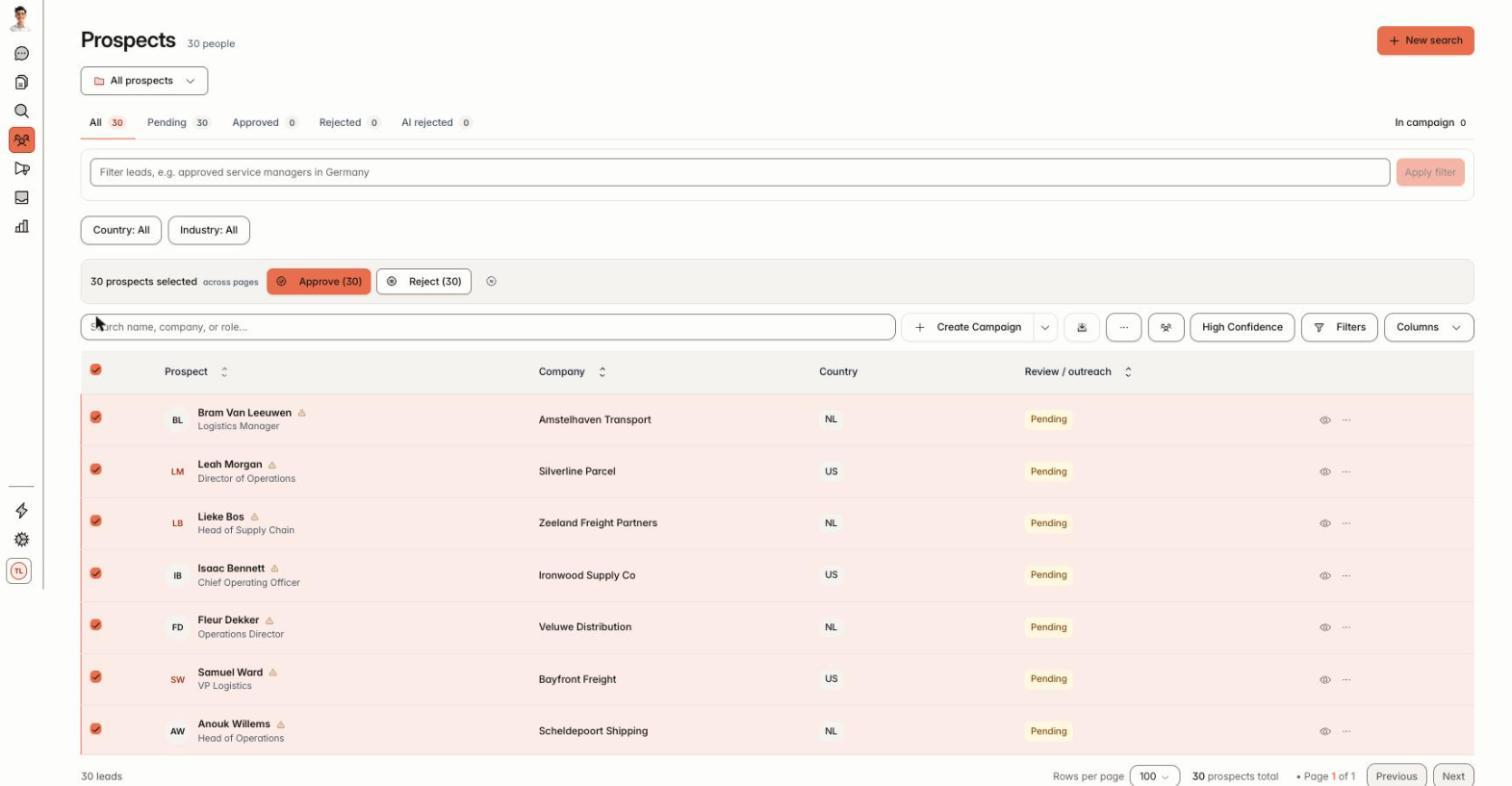
Sam finds the right people
You describe your ideal customer: industry, company size, role. Sam builds the list and you approve who is on it.
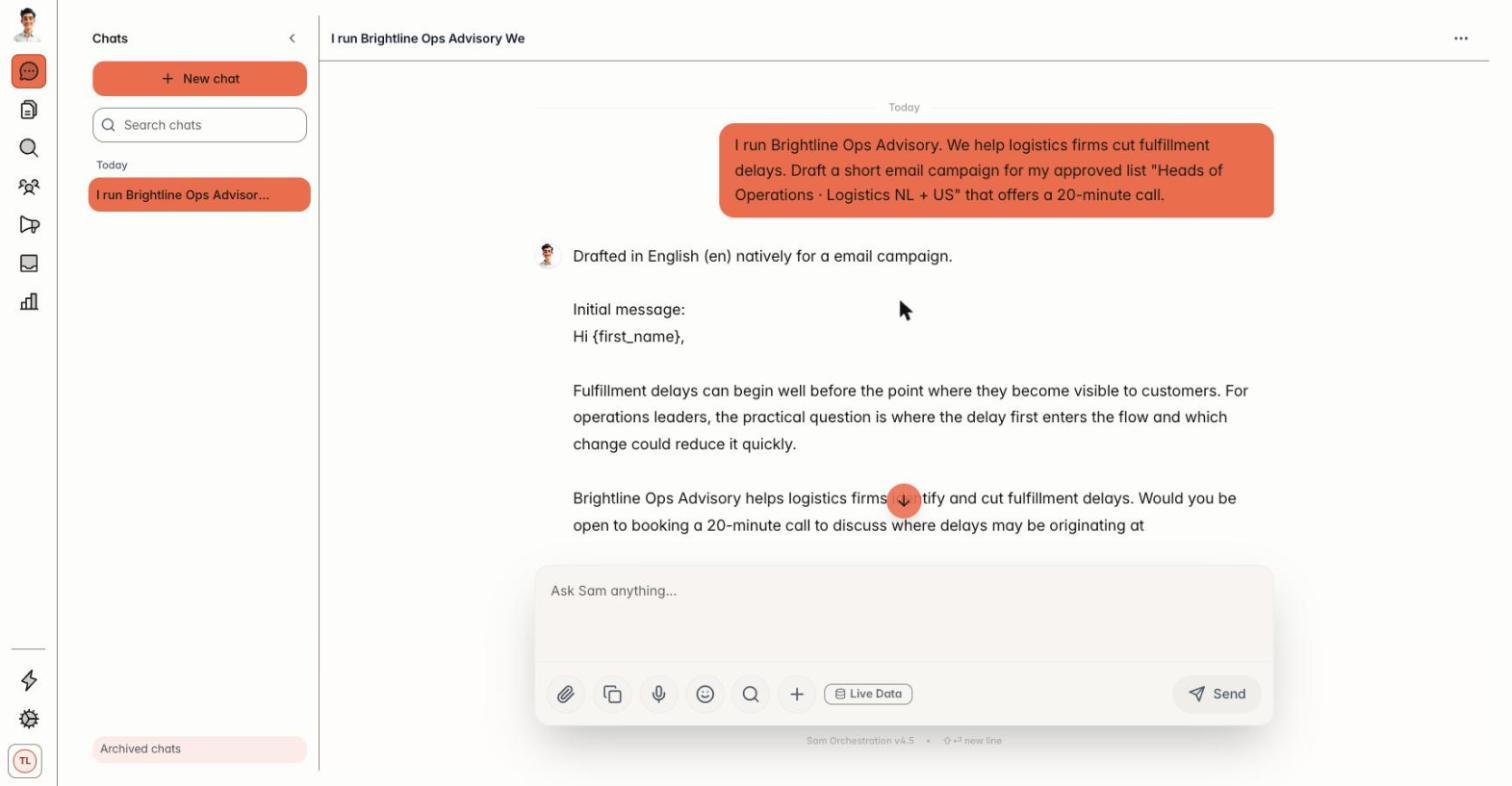
Sam starts the conversation
Sam writes each first message from the person's profile and holds it for your review. LinkedIn first, email follows.
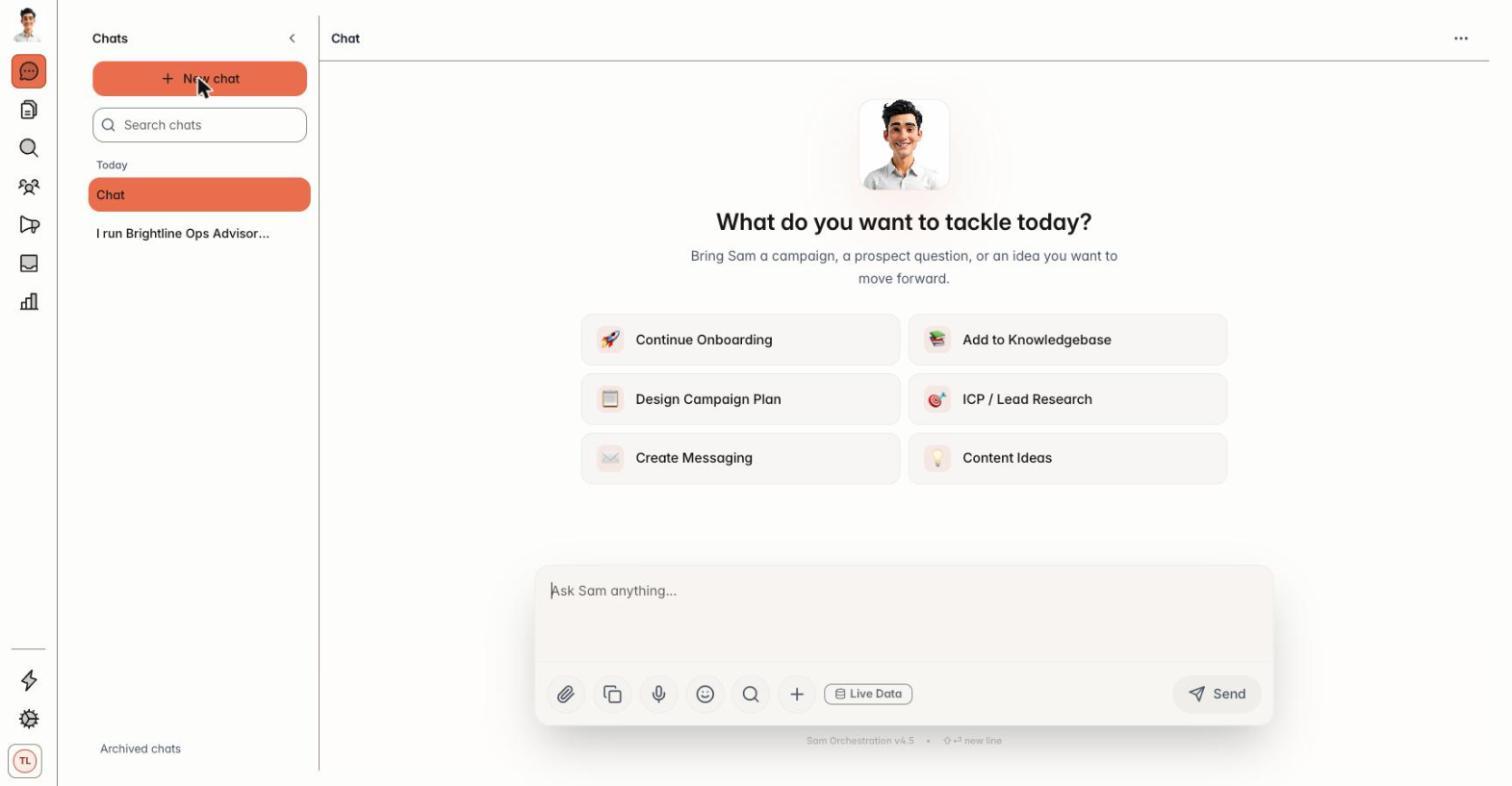
Sam follows up and prepares the replies
When someone answers, Sam drafts the response and you approve, edit or reject it. A conversation that goes quiet gets a follow-up.
Start from the lists your team already has.
Sources
- Sales Navigator lists
- Saved searches
- People search
- Company employees
- Event attendees
- Warm introductions
- CSV and Excel
Pending list
Sam collects everyone in one place.
You approve
Remove anyone who is not a fit.
Campaign
Messages written per person.
One inbox, one voice, approval on every send.
Team, 5 user seats
Free trial, cancel any time
You approve the list, the campaign and every reply
Questions sales leaders ask
How many people can use Sam?
Starter and Entrepreneur include one seat. Team includes five user seats and a team inbox, shared across the team with approvals.
Who approves what goes out?
You do. You approve the list, the campaign and every reply before anything goes out.
Does Sam work with our CRM?
Sam syncs with ActiveCampaign and HubSpot and connects to Zapier and n8n.
How do we start a Team trial?
Book a setup call. Nothing is charged during the 14-day trial.
Keep your reps in conversations.
Start the 14-day free trial on Starter, or book a call to set up Team.